D&H Recommends Windows Server


www.dandh.com/Microsoft
Server
Windows Server 2025: Extend Your Reach,
Expand your Deals
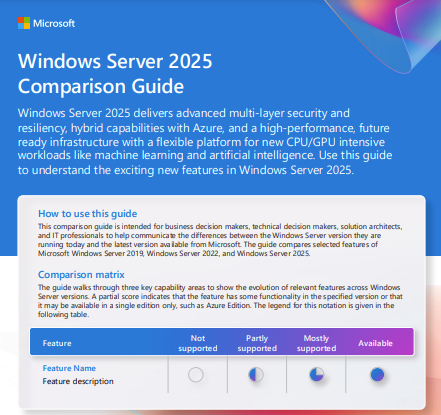
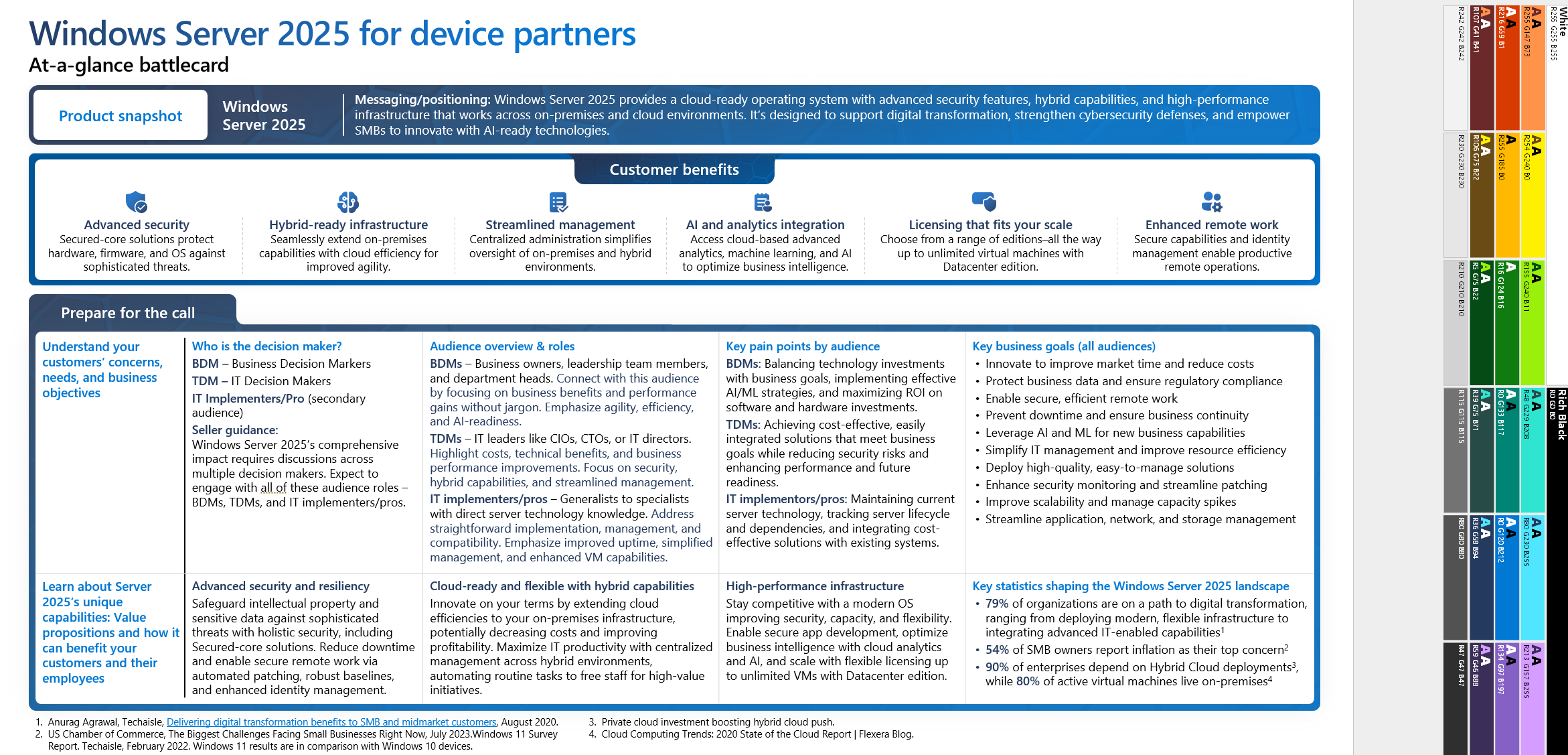
Grow your business by helping your customers modernize with Windows Server 2025. Show them how to gain direct business benefits from cloud-ready hybrid capabilities, advanced multilayer security, simplified remote working, and flexible infrastructure.
Browse TodayLearn MoreServer 2025 Customer Pitch Deck
Hybrid Capabilities with Microsoft Azure
Extend the datacenter to Azure using a cloud-ready operating system with hybrid capabilities.

Advanced Multilayer Security
Help protect data and apps at virtually every level of the business, starting with the operating system.

More Secure Remote Working
Empower remote workers with an enhanced user experience, while simplifying management for IT.

Modernized Server Infrastructure
Help transform exisiting infrastructure with flexible solutions like software-defined storage and networking.
Client Access Licenses are Needed with Windows Server
- A server license gives you the right to install and use the server software. A Client Access License (CAL) allows a User or Device to access the server. Every User or Device that accesses the server software needs a CAL.
- Windows Server Standard and Windows Server Datacenter both require CALs. No Client Access Licenses (CALs) are included with Windows Server Standard or Windows Server Datacenter.
- RDS CALs add functionality and when required, are needed in addition to User or Device CALs!
- CALs are version-specific. Windows Server 2025 requires Windows Server 2025 CALs. CALs are backwards-compatible and may be used to access previous server versions.
- Adding and maintaining Software Assurance with CALs gives the customer the rights to access new versions of server software that become available.
- Selling CALs with server software ensures that your customer is in legal compliance with Microsoft licensing and boosts your sales revenue.
User CALs

Single user with unlimited devices
Ideal for companies with employees who need to have roaming access to the corporate network using multiple devices, as well as from unknown devices.
Device CALs

Single device with unlimited users
Ideal for companies with multiple users for one device, such as shift workers.
Additive CALs

Required for advanced server functionality
Required for companies with users needing advanced server functionality such as remote desktop services (RDS), active directory, or access programs.
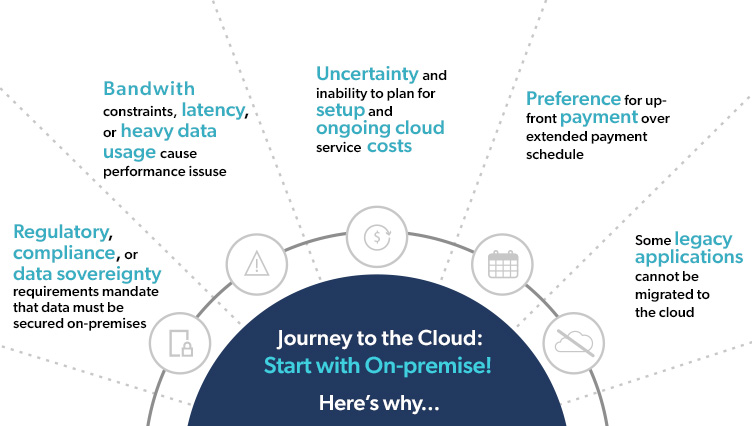
Why On-Premises Servers?
What is HPE ROK?
HPE ROK (Reseller Option Kit) is genuine Microsoft OEM Windows Server software licensed and branded by HPE for installation on HPE servers.
Why sell HPE ROK?
Best cost option for Microsoft Windows Server software on HPE servers
Ordered as another HPE option like memory or hard drives and includes installation media
Supported by the hardware manufacturer
HPE will provide installation assistance within 90 days
Single point of contact for both hardware and software
Saves time during server setup and configuration
Tested, tuned, and certified with HPE-branded hardware and is packaged with the latest drivers and customized installation tools for fast and easy deployment.
Only drivers for HPE servers are included
Increased revenue
Earn HPE incentives including Engage & Grow points
Attach opportunity with CALs including RDS CALs
Accelerate Your Business Growth
By helping your customers take advantage of Windows Server 2025 on modern hardware, you can open opportunities for increased revenue and higher value subscriptions.

Increase device refresh and upsell to maximize the benefits of Windows Server 2025.

Offer cloud-based deployment, management, and support for greater efficiency and scalability.

Provide integration capabilities for enhanced productivity, security, and manageability.

Deliver Zero Trust--ready identity and security services to combat emerging security threats and vulnerabilities.
Resources
Microsoft Tools and Resources